






Creating a home workspace that feels both cozy and productive can greatly improve your focus and overall work satisfaction. Whether you work remotely full-time or occasionally manage tasks from home, setting up an environment that supports your needs is key. Here’s a guide with practical tips to help you transform any corner of your home into a space where you can work efficiently and comfortably.
Choose the Right Location
Find a Quiet Spot
Select a location in your home that is relatively quiet and free from frequent distractions. This helps reduce interruptions and lets you focus better.
Consider Natural Light
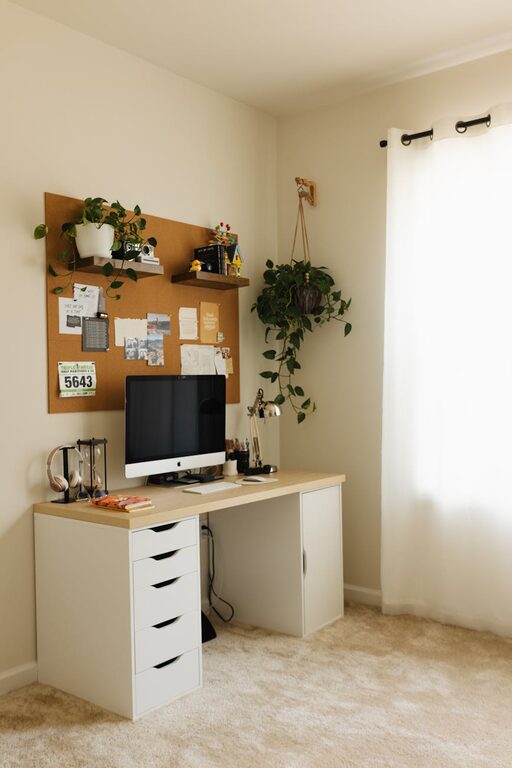
Placing your workspace near a window provides natural light, which can improve mood and reduce eye strain. If natural light is limited, opt for soft, bright artificial lighting instead.
Invest in Comfortable Furniture
Ergonomic Chair
A good chair that supports your back and encourages good posture is essential. Sitting comfortably helps prevent fatigue and discomfort after long work hours.
Desk at the Right Height
Choose a desk that allows you to keep your arms and hands at a comfortable angle. Adjustable desks or standing desk options can add flexibility to your setup.
Organize for Efficiency
Keep Essentials Within Reach
Have your most-used supplies—pens, notebooks, chargers, etc.—close by to avoid wasting time searching for them.
Use Storage Solutions
Shelves, drawers, and organizers keep your space tidy and free from clutter, which can distract and overwhelm you.
Cable Management
Use clips or sleeves to manage cables and cords. A neat appearance minimizes distractions and helps maintain a clear workspace.
Add Personal Touches Without Clutter
Incorporate Plants
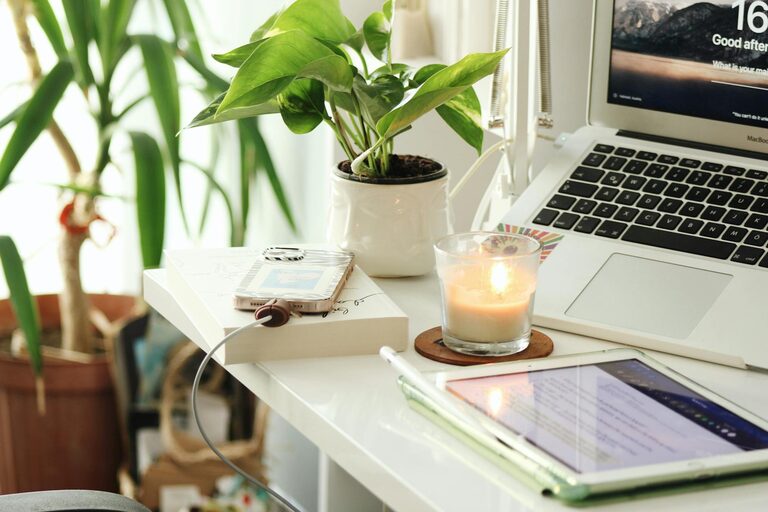
A small plant can add life to your workspace and improve air quality. Choose low-maintenance plants like succulents or spider plants.
Display Inspirational Items
A motivational quote, artwork, or a photo can create a positive atmosphere—but keep it minimal to avoid distracting clutter.
Create Boundaries Between Work and Home Life
Set Clear Work Hours
Having designated work hours reinforces boundaries and prevents work from taking over your personal time.
Use Visual Cues
When your workspace is visible to others in the home, consider using a divider or specific décor to signal when you are in “work mode.”
Optimize Technology Setup
Reliable Internet Connection
Ensure your internet connection is stable to avoid interruptions during virtual meetings or file uploads.
Quality Accessories
Invest in a good microphone, headphones, and webcam if your work requires frequent video calls.
Monitor Placement and Size
Position your monitor at eye level at a comfortable distance to reduce neck strain and improve viewing comfort.
Manage Lighting and Ambience
Layer Your Lighting
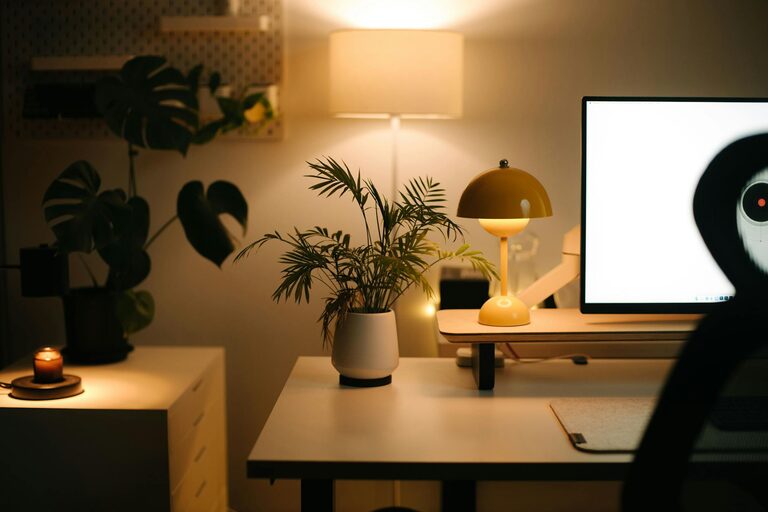
Combine task lighting (like a desk lamp) with ambient lighting to avoid harsh contrasts and create a pleasant environment.
Control Temperature and Air Quality
A comfortable room temperature and good ventilation make a big difference in your comfort and focus.
Practice Regular Breaks and Movement
Schedule Short Breaks
Taking brief breaks helps maintain focus and reduces fatigue. Use timers or apps to remind yourself.
Stretch and Move
Incorporate stretches or short walks to keep your body active and reduce stiffness.
Final Thoughts
Designing a cozy and productive home workspace is about balancing comfort with functionality. Personalizing your area while maintaining organization helps you stay motivated and focused. Experiment with different setups and find what works best for you, so your workspace becomes a place you look forward to using each day.