



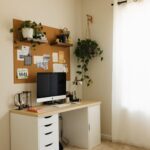
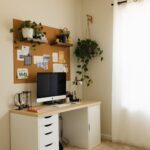


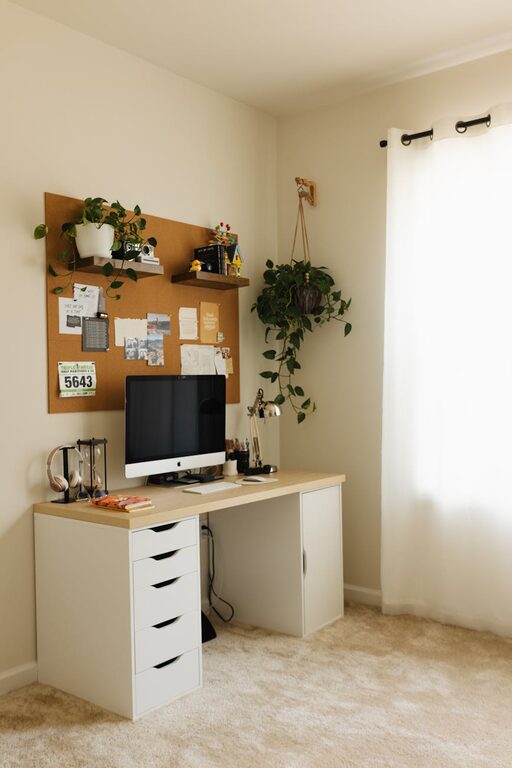
Creating a home office that balances comfort and productivity can transform your work-from-home routine. Whether you have a dedicated room or a small corner, setting up a cozy yet efficient workspace helps maintain focus and reduce stress. Here are some practical tips to help you design a home office that feels inviting and supports your daily tasks.
Choose the Right Location
Location Matters
Select a spot in your home that offers enough space for your desk and chair, and ideally, some natural light. A quiet area away from household traffic will help minimize distractions.
Consider Privacy and Noise
If possible, choose a room with a door to separate work from personal life. If that’s not an option, use noise-cancelling headphones or add soft materials like rugs and curtains to absorb sound.
Invest in Comfortable Furniture
Ergonomic Chair and Desk
A comfortable chair with good lumbar support is essential for long hours of work. Pair it with a desk at the right height to avoid strain on your wrists and shoulders.
Flexible Furniture Options
If space is tight, consider foldable desks or wall-mounted tables that can be adjusted as needed. Standing desks or adjustable desk converters can also encourage movement during the day.
Maximize Lighting
Use Natural Light
Position your desk near a window to take advantage of daylight. Natural light helps reduce eye strain and boosts mood.
Add Layered Lighting
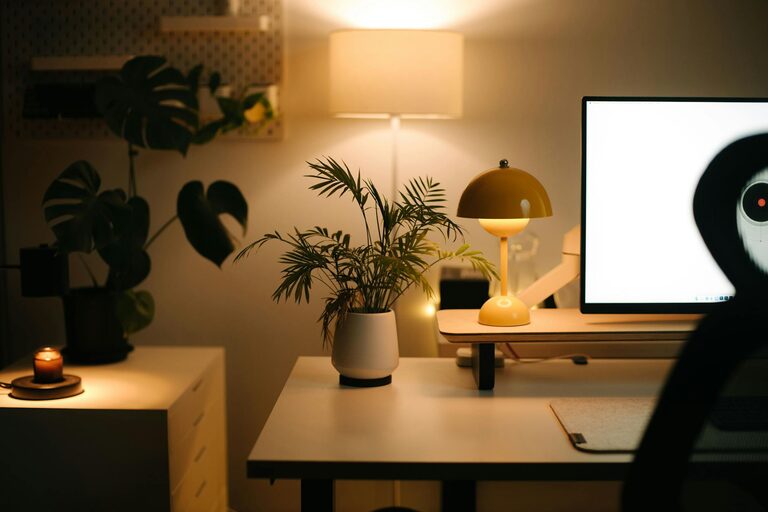
Supplement natural light with warm ambient lighting and a focused desk lamp. Adjustable lamps allow better control over brightness for reading or screen work.
Personalize Your Space
Add Comforting Elements
Incorporate textiles like a plush rug, cozy cushions, or a soft blanket to make the space feel warm and inviting.
Display Inspirational Items
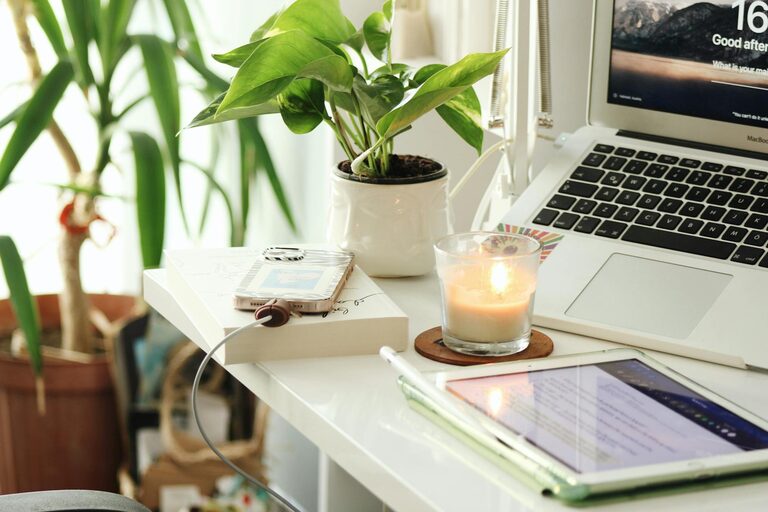
Photos, artwork, or plants can add personality and motivate you throughout the day. Greenery, in particular, can improve air quality and reduce stress.
Organize Efficiently
Declutter Regularly
Keep only essential items on your desk to maintain a clean workspace. Use cable organizers to prevent tangles and confusion.
Use Storage Solutions
Shelves, drawers, and organizers help keep papers, supplies, and electronics in order. Label containers for easy access and to save time searching for items.
Manage Technology Setup
Keep Devices Accessible
Arrange your computer, printer, and other tech within easy reach. Wireless devices can reduce cable clutter.
Optimize Your Internet Connection
Use a reliable, high-speed internet connection to avoid interruptions during video calls or online work.
Establish Boundaries and Routine
Define Work Hours
Create a schedule that separates work time from personal time to maintain balance.
Set Up Visual Boundaries
If your office space is open, use screens or room dividers to signal the start and end of the workday.
Add Finishing Touches
Incorporate a Whiteboard or Corkboard
Use these tools to jot down ideas, reminders, or to-do lists, helping you stay organized and focused.
Keep Water and Snacks Handy
Staying hydrated and energized supports productivity without needing frequent breaks.
—
By thoughtfully designing your home office with these tips, you can create a space that feels both welcoming and tailored to your work habits. Remember, a well-planned environment can make your workdays more enjoyable and efficient. Happy decorating!